

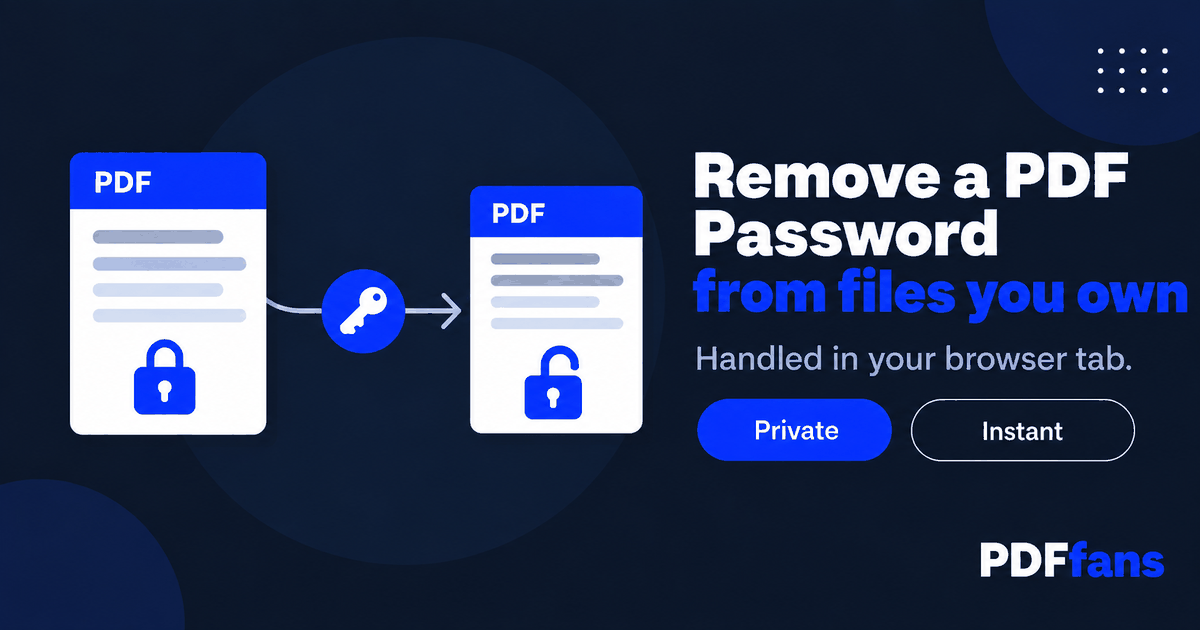
Every time you open that PDF you type the same password. Or you need to send it to a colleague who does not have the password, or attach it to a form that rejects protected files. If the file is yours and you know the password, taking the protection off is a two-minute job.
This guide shows how to remove a password from a PDF using PDFfans Unlock PDF, what the two kinds of PDF protection mean, and where the limits are. One important point first: this only works when you already have the right to open the file.
In This Guide
- Two kinds of PDF password
- Step-by-step: remove the password
- What this does and does not do
- Handling unlocked files safely
- FAQ
Two Kinds of PDF Password
PDFs can be protected in two different ways, and people mix them up.
- Open password. You must enter it to view the file at all.
- Permissions password. The file opens freely, but actions like printing, copying text, or editing may be restricted.
If you have to type something before the first page appears, it is an open password. If you can read the file but cannot print or copy from it, it is a permissions restriction. Which one you have decides what you need to do next.
Step-by-Step: Remove the Password
- Open Unlock PDF in your browser.
- Add the protected PDF.
- If the tool asks for the password, enter it. You need the correct one.
- Run the unlock and download the new file.
- Open the new file. It should open without asking for anything.
The tool runs in your browser tab, so the file is processed on your own device instead of being sent to a server. That matters here, because a password-protected PDF is usually protected for a reason.
What This Does and Does Not Do
- It removes protection you are entitled to remove. Your own contract, a statement your bank sent you, a document you protected yourself and no longer want to type a password for.
- It does not guess passwords. If you have forgotten the password, a simple converter cannot recover it. Check your password manager or your email for the message that first sent you the file, or ask the person who created it.
- It is not for files that are not yours. Removing protection from a document you have no right to open is not something to do, whatever tool you use.
Handling Unlocked Files Safely
Once the password is gone, anyone who gets the file can read it. Treat the unlocked copy with the same care as the original.
- Do not leave it in shared folders or email threads longer than you need to.
- Delete the unlocked copy when you are finished with it, or lock it again with a new password. Our guide on how to password protect a PDF shows how.
- Send only what is needed. If a recipient needs three pages, extract those with Split PDF instead of sharing the whole document.
FAQ
How do I remove a password from a PDF?
Open the file in an unlock tool, enter the password when asked, and download the unprotected copy. You need the correct password.
Can I unlock a PDF if I forgot the password?
Not with a simple online tool. Try your password manager, the email that delivered the file, or ask whoever created the document.
Is it legal to remove a PDF password?
Removing protection from a file you own or are authorized to open is generally fine. Removing it from someone else's protected document without permission is not.
Does unlocking change the content of the PDF?
No. The pages, text, and images stay the same. Only the protection is removed. Open the new file to confirm.
Related: Unlock PDF, Protect PDF, Split PDF. Background: AES on Wikipedia.
Comments
Leave a Comment