

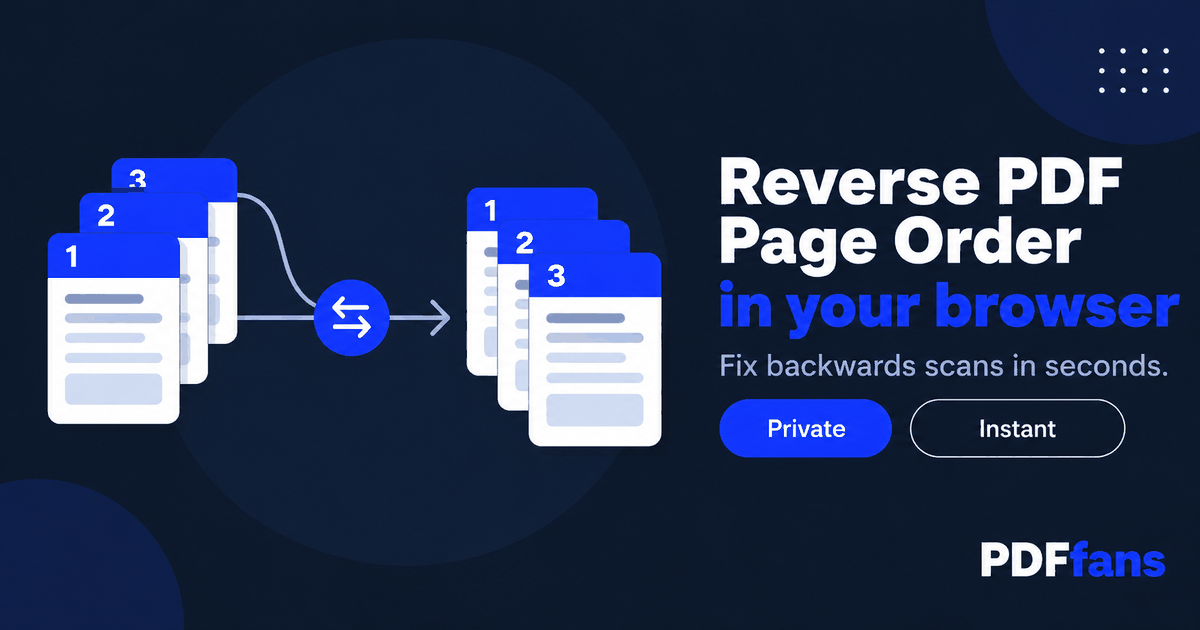
You fed a stack of pages into the scanner and the PDF came out backwards: last page first, first page last. Or you need a document in reverse for a countdown, a stack you will print face-up, or a file someone exported the wrong way round. Dragging fifty thumbnails into place one at a time is not a plan.
This guide shows how to reverse the page order of a PDF in a few clicks with PDFfans Reverse PDF, how to confirm it worked, and what to do when you only need some pages flipped.
In This Guide
- Why PDFs end up in reverse
- Step-by-step: reverse a PDF
- Check the result
- Reversing only part of a document
- Other times you want a PDF in reverse
- Keep the original until you have checked
- FAQ
Why PDFs End Up in Reverse
It is almost always the scanner. Some feeders stack finished pages on top of each other, so the first page you scanned ends up at the bottom. Scan software then saves the pages in the order they came out, and the last sheet becomes page one.
Other causes are less common: a file merged from parts in the wrong order, an export from an app that lists newest first, or a document you deliberately want in reverse so a printout comes out in the right sequence.
Step-by-Step: Reverse a PDF
- Open Reverse PDF in your browser.
- Add your PDF.
- Run the reversal.
- Download the new file and keep the original until you have checked it.
The tool runs in your browser tab, so the file is processed on your own device and is not sent to a server. Scanned paperwork often contains personal data, and this way there is nothing to upload, store, or leak.
Check the Result
Open the new file and confirm three things:
- Page 1 of the new file is the last page of the old one.
- The final page of the new file is what used to be page 1.
- The page count matches the original.
If the total number of pages changed, something went wrong. Discard the file and start again from the original.
Reversing Only Part of a Document
Reverse PDF flips the whole file. If only a section is backwards, you can still fix it without redoing everything by hand:
- Use Split PDF to pull the backwards section into its own file.
- Reverse that section.
- Put the pieces back together with Merge PDF, adding them in the right order.
This takes a few minutes and is more reliable than dragging pages around in a viewer, where one slip shifts everything after it.
One more habit that saves trouble: if you scan often, flip the stack before scanning, or check your scanner's output order setting. Fixing it at the source beats correcting every file afterwards.
Other Times You Want a PDF in Reverse
Backwards scans get all the attention, but they are not the only reason to flip a document.
- Printing face-up. Some printers stack output so the last page lands on top. Reversing the file first means the stack comes out in reading order.
- Newest-first exports. Chat logs, statements, and activity reports sometimes list the latest entry on page one. Reverse the file to read it from oldest to newest.
- Presentations and checklists. A countdown or a step-by-step sequence sometimes reads better from the last item up.
Keep the Original Until You Have Checked
Reversing is quick, which is exactly why people skip the check. Do not delete the source file until you have flipped through the new one. Look at the first page, the last page, and one page from the middle, then compare the page count. If your PDF also needs a size trim before you send it, run the finished file through Compress PDF afterwards, not before, so you are only ever working on a copy you have already verified.
If the file is a bundle of documents, such as several invoices scanned in one go, remember that reversing the whole file reverses the page order inside each invoice too. In that case, split the bundle into its documents first, reverse only the ones that need it, and merge them back together.
FAQ
How do I reverse the page order of a PDF for free?
Use a browser tool that reverses pages. Add the file, run the reversal, and download the result. There is nothing to install.
Will reversing change the content of my pages?
No. Only the order changes. Each page keeps its own content. Compare page counts before and after to be sure nothing was lost.
Can I reverse just a few pages?
Split those pages out, reverse them, then merge the file back together in the right order.
Why did my scanner produce a reversed PDF?
Many document feeders stack pages face down, so the first page scanned ends up at the bottom. Software then saves them in that order.
Related: Reverse PDF, Split PDF, Merge PDF. Background: Image scanner on Wikipedia.
Comments
Leave a Comment